capcap
About capcap
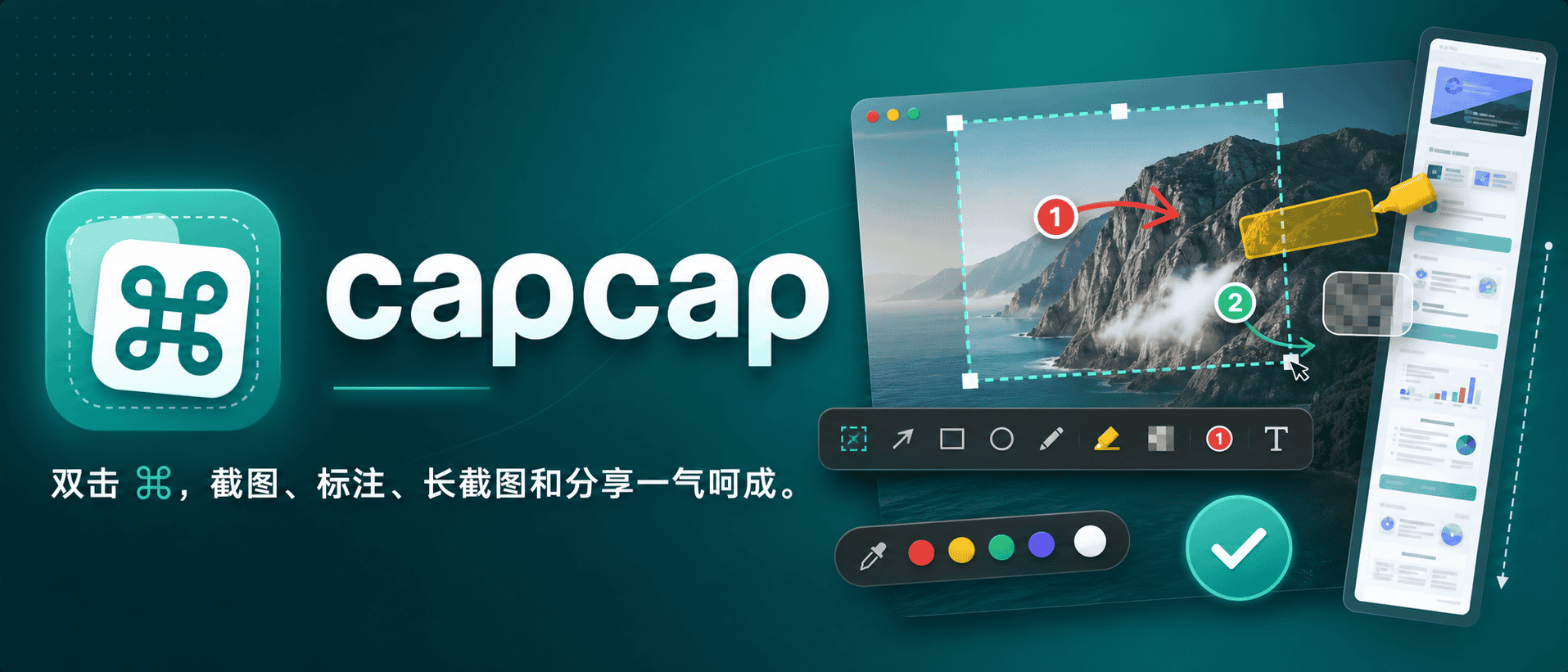
capcap is a lightweight, native macOS screenshot tool that operates from the menu bar. It allows users to capture screen regions instantly with a double-tap of the Command key, copying the screenshot to the clipboard or enabling annotation with pen and mosaic tools first.
The tool supports various functionalities including window snapping, precise region selection, scrolling screenshots, and direct editing of existing images from Finder. It is designed to be unobtrusive, running as a menu bar app without occupying the Dock, and emphasizes privacy with no telemetry or third-party dependencies.
Users can customize their screenshots with a range of editing tools such as arrows, numbers, text, highlights, and mosaics. The editor supports undo/redo operations, and edited screenshots can be pinned on top of other windows for reference. The tool also includes features for beautifying screenshots with backgrounds, rounded corners, and shadows.
Key features
- Double-tap Command key to capture screen regions
- Window snapping and precise region selection
- Scrolling screenshots with real-time preview
- Direct editing of existing images from Finder
- Annotation tools including arrows, numbers, text, highlights, and mosaics
- Beautify screenshots with backgrounds, rounded corners, and shadows
- Pin screenshots on top of other windows
- Upload screenshots to configured cloud storage (Tencent COS, Qiniu Kodo, Alibaba OSS)
Download release-v1.6.10
Jul 14, 2026Frequently asked questions
- Is capcap free?
- Yes. capcap is free and open-source software, distributed under the MIT license.
- Which platforms does capcap support?
- capcap provides downloads for macOS.
- What is the latest version of capcap?
- The latest version is release-v1.6.10, released on Jul 14, 2026.
- What is capcap?
- capcap is a native macOS screenshot tool that operates from the menu bar, allowing users to capture and annotate screen regions quickly.
- How do I install capcap?
- capcap can be installed using Homebrew by tapping the realskyrin/tap repository and then installing the capcap cask.
- What platforms does capcap support?
- capcap is designed for macOS 14 and above, supporting both Apple Silicon and Intel architectures.
- What license does capcap use?
- capcap is licensed under the MIT License.
More Utilities
scrcpy
Genymobile
Scrcpy mirrors and controls Android devices from a computer. It works without root access and supports basic input like keyboard and mouse.
Stirling-PDF
Stirling-Tools
Stirling-PDF is a web-based PDF editor accessible from any device. It offers tools for editing PDF documents directly in the browser without requiring installation.
LocalSend
localsend
LocalSend is a cross-platform file-sharing tool that works offline over a local network. It provides a simple, open-source alternative to proprietary solutions like AirDrop. The tool supports direct device-to-device transfers without requiring internet access.