DeepSeek-Reasonix
About DeepSeek-Reasonix
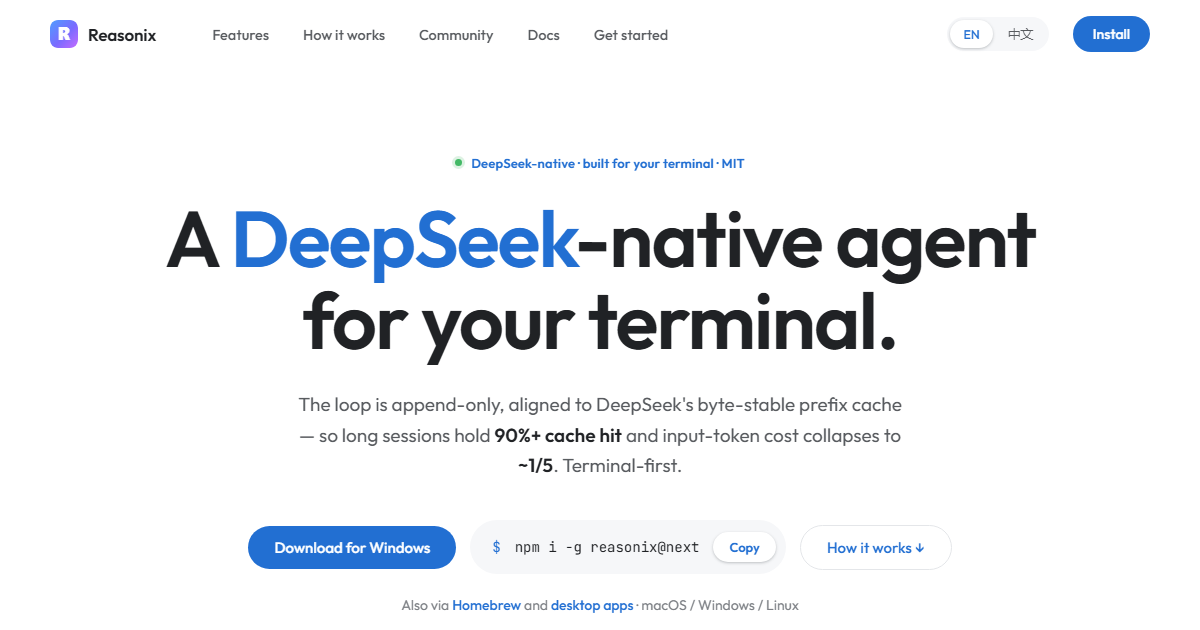
DeepSeek-Reasonix is a terminal-based AI coding agent designed for developers. It is engineered to work natively with DeepSeek's prefix cache, ensuring stable token costs during extended sessions. The tool is distributed as a single static Go binary, making it easy to deploy and run.
The software is config-driven, allowing users to declare providers, agents, tools, and plugins in a `reasonix.toml` file. It supports multiple models and can be composed to run two models together in separate sessions. Plugins are managed through external tools that run as subprocesses over stdio JSON-RPC.
DeepSeek-Reasonix is available for installation via npm and Homebrew, with prebuilt binaries for various operating systems and architectures. It includes features like code signing for Windows builds and supports cross-compilation to multiple targets.
Key features
- Config-driven setup with `reasonix.toml`
- Multi-model support with DeepSeek as a preset
- Plugin-driven external tools over stdio JSON-RPC
- Single static Go binary for zero-friction distribution
- Cross-compilation to six targets with one command
- Code-signed Windows builds
- Prefix cache stability for low token costs
Download v1.17.10
Jul 10, 2026WindowsWindows
macOSmacOS
Frequently asked questions
- Is DeepSeek-Reasonix free?
- Yes. DeepSeek-Reasonix is free and open-source software, distributed under the MIT license.
- Which platforms does DeepSeek-Reasonix support?
- DeepSeek-Reasonix provides downloads for Windows, macOS, Linux.
- What is the latest version of DeepSeek-Reasonix?
- The latest version is v1.17.10, released on Jul 10, 2026.
- How do I install DeepSeek-Reasonix?
- Install via npm with `npm i -g reasonix` or use Homebrew on macOS with `brew install esengine/reasonix/reasonix`. Prebuilt binaries are available on GitHub releases.
- What platforms are supported?
- Prebuilt binaries are available for macOS, Linux, and Windows, supporting both amd64 and arm64 architectures.
- How is DeepSeek-Reasonix configured?
- Configuration is done through a `reasonix.toml` file, where providers, agents, tools, and plugins are declared. The resolution order is flag > `./reasonix.toml` > user config file > built-in defaults.
- What is the license for DeepSeek-Reasonix?
- The license is specified in the repository's LICENSE file, typically available on GitHub.
More Developer Tools
PowerToys
microsoft
PowerToys is a set of utilities for enhancing productivity and customization on Windows systems. It includes various tools for developers and power users to streamline workflows.
Windows Terminal
microsoft
Windows Terminal combines the classic Windows console with a modern terminal application in one package. It provides developers with a unified interface for command-line tools and shells. The software supports multiple tabs, rich text, and customization options.
Neovim
neovim
Neovim is a fork of Vim focused on improved extensibility and usability. It maintains compatibility with Vim while offering modern features like embedded terminal support and a built-in LSP client. The project emphasizes maintainability and encourages community contributions.