Snapzy
About Snapzy
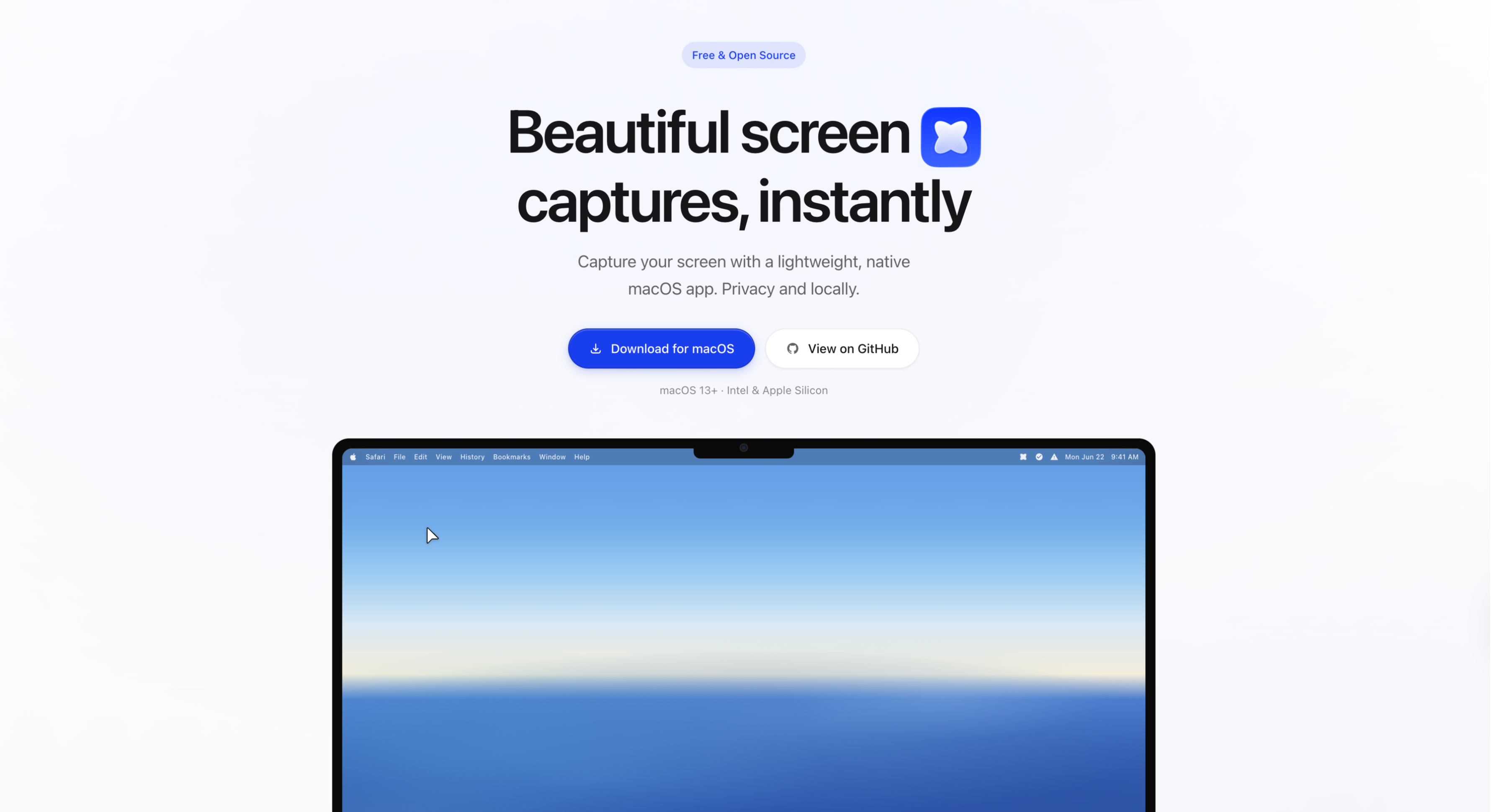
Snapzy is an open-source macOS application designed for capturing screenshots and recording screen activity. It operates directly from the menu bar, providing a native macOS experience. The app serves as an alternative to CleanShot X, offering a range of functionalities for users who need to capture, annotate, and edit screenshots or screen recordings.
Built using SwiftUI, AppKit, ScreenCaptureKit, Vision, and Sparkle, Snapzy integrates seamlessly with macOS features. It supports various capture modes, including fullscreen, selected areas, and scrolling captures, along with advanced editing tools for annotations and video trimming.
The application is available in multiple languages and includes features like cloud uploads, advanced settings, and configurable shortcuts. It requires macOS 13.0 or later and can be installed via Homebrew, a shell script, or by downloading the release package directly from the repository.
Key features
- Fullscreen or selected-area screenshot capture
- Screen recording with video or GIF output
- Annotation editor with shapes, arrows, and text
- Video editor for trimming and zooming
- Quick access panel for recent captures
- Configurable global shortcuts
- Cloud upload support via AWS S3 or Cloudflare R2
- Localization in multiple languages
Download v1.29.1
Jul 14, 2026macOSmacOS
Frequently asked questions
- Is Snapzy free?
- Yes. Snapzy is free and open-source software, distributed under the BSD-3-Clause license.
- Which platforms does Snapzy support?
- Snapzy provides downloads for macOS.
- What is the latest version of Snapzy?
- The latest version is v1.29.1, released on Jul 12, 2026.
- What platforms does Snapzy support?
- Snapzy is a macOS application and requires macOS 13.0 or later.
- How can I install Snapzy?
- Snapzy can be installed via Homebrew, a shell script, or by downloading the release package from the GitHub repository.
- Is Snapzy open-source?
- Yes, Snapzy is an open-source application available on GitHub.
- What permissions does Snapzy require?
- Snapzy requires Screen Recording and Microphone permissions for full functionality.
More Utilities
scrcpy
Genymobile
Scrcpy mirrors and controls Android devices from a computer. It works without root access and supports basic input like keyboard and mouse.
Stirling-PDF
Stirling-Tools
Stirling-PDF is a web-based PDF editor accessible from any device. It offers tools for editing PDF documents directly in the browser without requiring installation.
LocalSend
localsend
LocalSend is a cross-platform file-sharing tool that works offline over a local network. It provides a simple, open-source alternative to proprietary solutions like AirDrop. The tool supports direct device-to-device transfers without requiring internet access.