SuperCmd
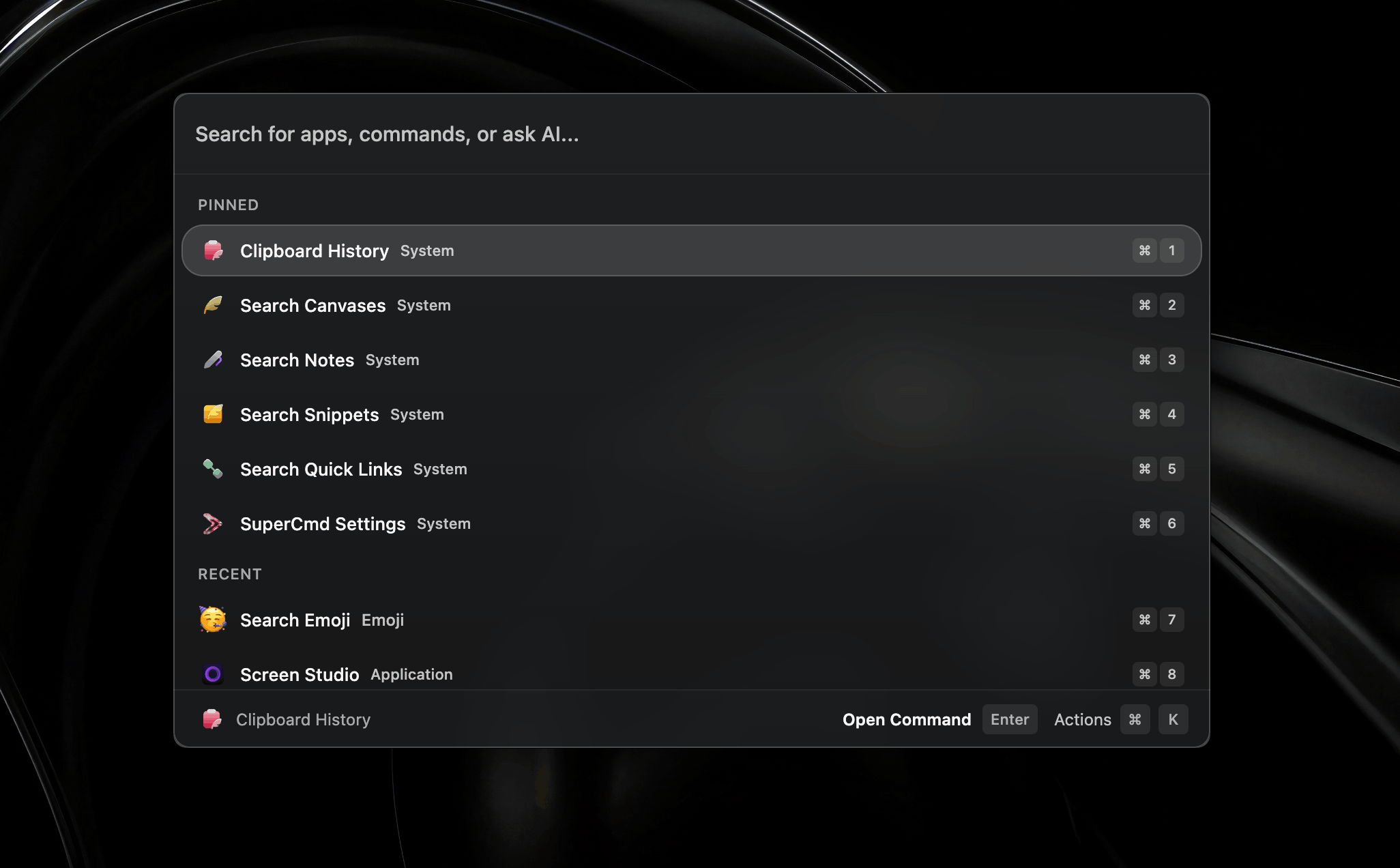
About SuperCmd
SuperCmd is an open-source launcher application for macOS that combines multiple productivity tools into a single interface. It integrates features like Raycast-style extensions, voice dictation, text-to-speech, AI actions, and system utilities.
The software is built with Electron and React, with native Swift components for macOS-specific integrations. It aims to provide a unified workflow for launching applications, managing windows, handling clipboard operations, and executing custom scripts or AI-powered actions.
Key features
- Raycast extension compatibility with API shims
- Hold-to-speak dictation with multiple speech recognition options
- Text-to-speech functionality for selected text
- Clipboard history management with quick-paste shortcuts
- Snippet expansion with keyboard triggers
- Window tiling and management with 24 placement commands
- System command execution for sleep, restart, and other operations
- Localized interface supporting multiple languages
Download 1.0.26
Jun 20, 2026Frequently asked questions
- Is SuperCmd free?
- Yes. SuperCmd is free and open-source software, distributed under the MIT license.
- Which platforms does SuperCmd support?
- SuperCmd provides downloads for macOS.
- What is the latest version of SuperCmd?
- The latest version is 1.0.26, released on Jun 20, 2026.
- What platforms does SuperCmd support?
- SuperCmd is designed specifically for macOS systems.
- How do I install SuperCmd?
- SuperCmd can be installed via Homebrew or by downloading the .dmg file from the releases page, with separate builds for Apple Silicon and Intel processors.
- What permissions does SuperCmd require?
- The application may require Accessibility, Input Monitoring, Microphone, Automation, and Calendar permissions depending on which features are used.
- Can SuperCmd import Raycast configurations?
- Yes, SuperCmd can import encrypted Raycast .rayconfig backups, including settings, extensions, and preferences.
More Utilities
scrcpy
Genymobile
Scrcpy mirrors and controls Android devices from a computer. It works without root access and supports basic input like keyboard and mouse.
Stirling-PDF
Stirling-Tools
Stirling-PDF is a web-based PDF editor accessible from any device. It offers tools for editing PDF documents directly in the browser without requiring installation.
LocalSend
localsend
LocalSend is a cross-platform file-sharing tool that works offline over a local network. It provides a simple, open-source alternative to proprietary solutions like AirDrop. The tool supports direct device-to-device transfers without requiring internet access.